

Pregnancy Paperwork 101: Insurance, Leave & Records in One Folder
The third explanation-of-benefits letter in a single week is when it hits you: pregnancy comes with mail. Insurance forms, lab paperwork, appointment summaries, a leave policy PDF from 2019 that HR swears is current. And it all arrives in a slow scatter, right on top of a brain that’s already short on shelf space.
Here’s the fix, and it’s almost offensively simple: one folder. Not a filing system with categories and color-coded tabs (unless that genuinely brings you joy), not a new app you’ll abandon by week twenty. One physical folder or one cloud folder, with five sections, that every piece of pregnancy paper touches on its way through your house. Ten minutes to set up, fifteen minutes a week to maintain, and — this is the real payoff — zero 11 p.m. “where did I put that form” spirals.
In this article
The heart of it
- One folder beats a perfect system you never use
- Five sections cover it all: insurance, work and leave, medical, money, everything else
- Fifteen minutes weekly keeps the pile from ever forming
- Paper, digital, or both — pick what you will actually maintain
- Start with what is already on your counter tonight
Why One Folder Beats a Perfect System
Perfection is the enemy here. A beautiful twelve-tab binder you’ll actually maintain beats nothing, but a single folder you’ll maintain beats the binder you abandon. Pregnancy paperwork has three natural questions, and your system only needs to answer them fast:
- “Do I have it?” (It’s in the folder. Everything goes in the folder.)
- “Do I need to do anything about it?” (A sticky note on the front says yes or no.)
- “Will I need it again?” (If yes, it stays. If no, recycle it the same day.)
That’s the whole philosophy. Now the sections.
Section 1: Insurance
The thickest section, and the one future-you will thank you for most. Keep:
- Your insurance card (a photocopy or photo of both sides, so the original can live in your wallet)
- The maternity coverage summary — the document or page that lists what’s covered under maternity and newborn care. If you can’t find it, call the number on your card and ask where it lives, then print or save it.
- Every explanation of benefits (EOB) that arrives. They’re confusing, they’re mostly not bills, and they’re gold when an actual bill looks wrong later.
- In-network notes: which hospital, which lab, which imaging center. One sticky note is fine.
- A one-line call log for insurance phone calls: date, who you spoke with, what they said, any reference number. Insurance companies have memories like sieves; your call log won’t.
Questions about what your specific plan covers belong to your insurer and your provider’s billing office — your folder’s job is just to make those conversations fast.
Section 2: Work & Leave Paperwork
The section that feels boring now and becomes the main character around week 24:
- The parental leave policy from your employee handbook, printed or saved as a PDF
- Any leave forms HR gives you, with a sticky note listing deadlines
- Pay stubs or benefit statements related to leave, if your workplace provides them
- Your leave dates, once decided — written on one page, even in pencil
- Names and emails: your HR contact, your manager, whoever handles benefits
If you’re early in pregnancy, this section might hold exactly two documents. Fine. It exists so that when HR emails you a form at 4:45 on a Friday, you know where it goes before you even open it. (And when you’re ready for the full work-handoff plan, that’s its own checklist — the leave-planning details pair naturally with our baby budget planner for the money side of the equation.)
Section 3: Medical Records & Appointment Summaries
Your provider’s office generates a surprising amount of paper, and most of it matters for about nine months and then never again. Keep:
- Visit summaries from each appointment
- Any records you requested from previous providers (offices can take weeks to send these, so request early and file on arrival)
- Your running questions list — this one lives on top, because it goes with you to every appointment
- Key dates page: last menstrual period date, estimated due date, appointment schedule. One page, front of section.
A note on the questions list, because it’s the highest-value paper in the entire folder: anything you’d want to ask — about medications, symptoms, what’s typical, logistics — goes on this list the moment it occurs to you. Your provider is the right source for every medical question; your list is just how you arrive organized enough to actually ask them.
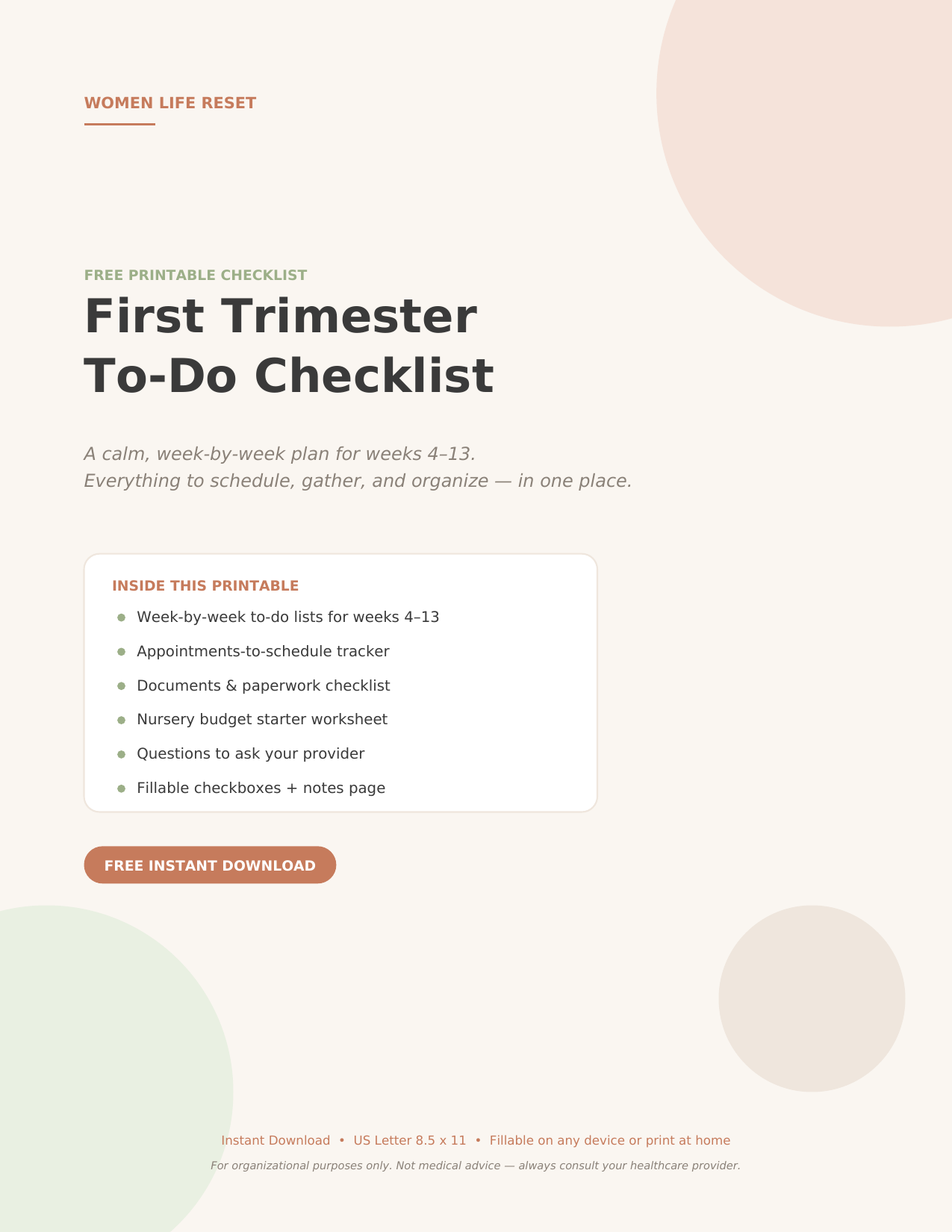
Free: the First Trimester Checklist
Weeks 1–13, gathered on four calm fillable pages — week-by-week to-dos, an appointment log, and room for your notes. It’s free.
Section 4: Money & Bills
Keep it lean:
- Actual bills (distinct from EOBs — bills ask for money; EOBs explain math)
- Receipts for anything pregnancy-related you might return, expense, or need for a flexible spending account
- A one-page cost list of known upcoming expenses — classes, copays, gear — so the vague money worry turns into actual numbers. For the full first-year breakdown, our baby budget planner does the heavy lifting.
The rule that keeps this section healthy: bills get dealt with or scheduled within the week; they never sit unopened. An unopened envelope is a tiny stress generator. An opened one is just a task.
Section 5: The “Everything Else” Pocket
Name ideas ripped from a notes app. A shower invitation draft. The class schedule you printed. One pocket (or one subfolder) for the unclassifiable, cleaned out monthly. Limiting it to one pocket is the whole trick — two pockets becomes four, becomes a drawer, becomes chaos by February.
Paper, Digital, or Both?
- Paper folder: best if you think with your hands and want something to carry to appointments. Add a $2 expanding file and you’re done.
- Digital folder: best if paperwork mostly arrives by email and patient portal anyway. One cloud folder named “Pregnancy,” five subfolders matching the sections above, photos of anything that arrives on paper.
- Hybrid (my pick): digital for anything that arrives digitally, paper for the questions list and anything you’ll physically hand someone. No scanning projects. No duplicates.
The 15-Minute Weekly Habit
The folder only works if it gets fed. Tie it to something that already happens — Sunday coffee, Friday lunch break — and spend fifteen minutes:
- File the week’s new paper into its section.
- Recycle anything dead (appointment reminders for visits that already happened, duplicate EOBs).
- Check the sticky note: anything waiting on an action from you?
- Add upcoming appointments and deadlines to your calendar.
Fifteen minutes, once a week, and the pile never becomes a mountain. Skip a week and it survives. Skip two and the sticky note saves you anyway.
The Mistakes That Make Paperwork Hurt
- The kitchen-counter staging area. Paper that “lives” on the counter for a week first is paper that gets lost. Straight to the folder or straight to recycling — no third location.
- Saving everything “just in case.” A folder of 400 pages is a haystack. Keep what answers a future question; release the rest.
- Splitting it across apps. Notes in one app, PDFs in email, photos in your camera roll, dates in your head. One home, one search.
- Waiting for the perfect binder. The $3 folder you buy today beats the beautiful system you’ll research for a month. Pregnancy paperwork rewards speed, not aesthetics.
Start With What’s Already on Your Counter
Tonight’s version of this project takes ten minutes: grab the pile that’s already accumulated, an empty folder, and a sticky note. Sort into the five sections, write “actions needed” on the sticky, done. You can make it prettier later; you probably won’t need to.
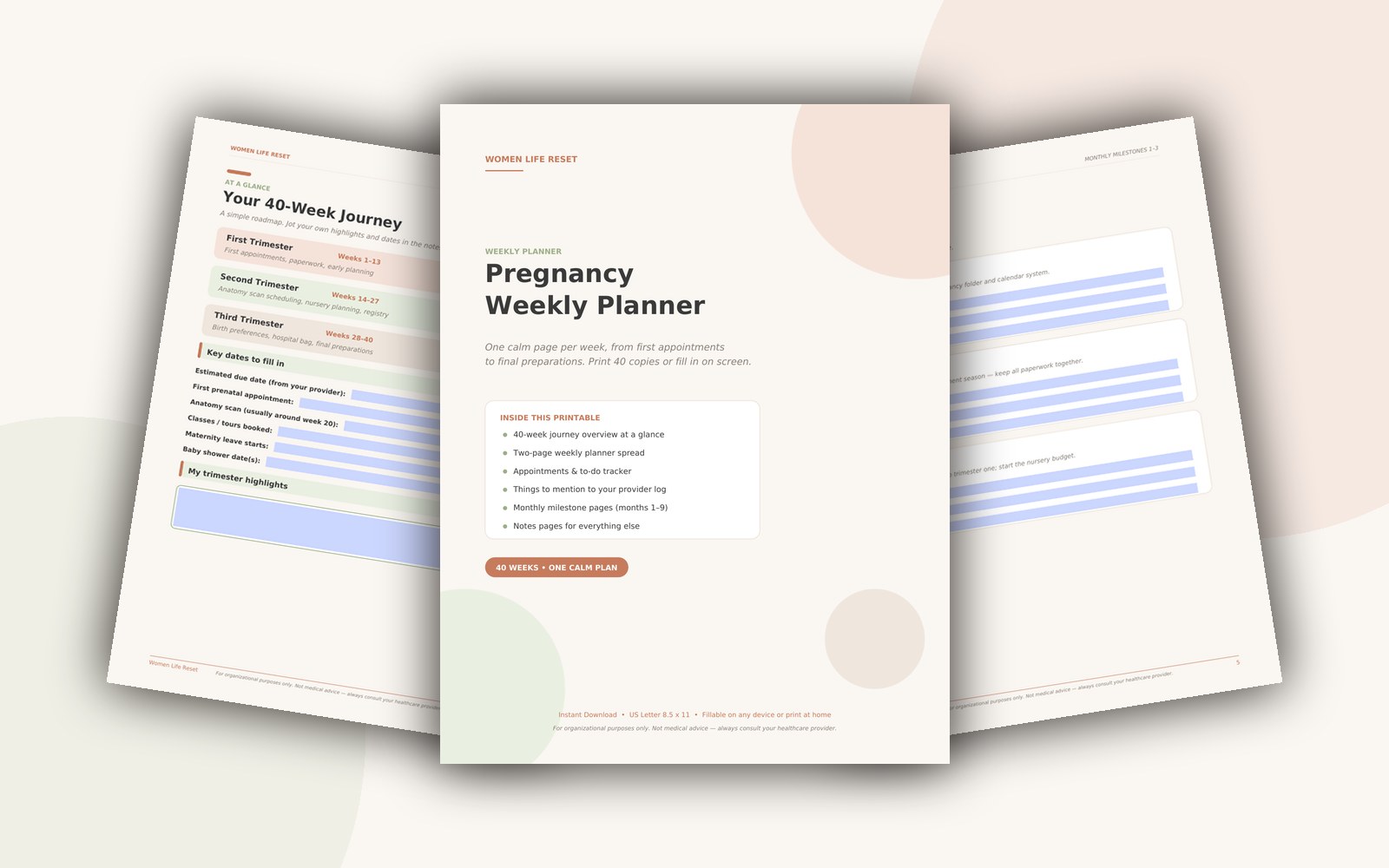
And if the paperwork side of pregnancy is really just the visible tip of the organizational iceberg — the appointments, the weekly to-dos, the questions that keep evaporating — that’s exactly what our weekly planner was built for. One page per week, five quiet minutes on Sunday, whole pregnancy has a home.
Keep Every Week This Calm
The Pregnancy Weekly Planner turns these tips into a five-minute Sunday ritual — 10 printable pages for appointments, to-dos, questions, and milestones. Instant download.
This article is for organizational purposes only and isn’t medical advice — your healthcare provider knows your situation best.
These planners and trackers are organizational tools only and are not medical advice. Always consult your healthcare provider about your pregnancy and your baby’s care.
Quick answers
What insurance calls should I make when pregnant?
Three: confirm your hospital and provider are in-network, ask what your birth will cost (deductible + out-of-pocket max), and learn the deadline to add baby to your plan — usually 30 days after birth.
When is maternity leave paperwork due?
FMLA requires 30 days notice when leave is foreseeable; many employers want forms by mid-third-trimester. Ask HR for the exact list in writing — then put the deadlines on your calendar.
What documents does a newborn need?
The hospital starts the birth certificate and Social Security paperwork. You handle: insurance enrollment (within 30 days), pediatrician selection, and any flexible spending or leave claims.
What paperwork should I keep during pregnancy?
Keep everything appointment-related: scan reports, test results, referral letters, insurance correspondence and receipts. Add your birth plan, hospital registration and any leave paperwork. One folder, in date order, beats a perfect system you never maintain.
How should I organise insurance and benefits documents?
Give insurance its own section in the folder: policy details, claim references, pre-approvals and every letter. Photograph important pages as backup. When bills arrive, match them against your policy notes before paying — errors are common and usually fixable with one call.
Educational only — not medical advice. Always consult your healthcare provider.
One calm email a week
Gentle, practical organization for pregnancy and new motherhood — start with the free First Trimester Checklist (instant download, no account needed).
Free instant download · Opens right in your browser · No Canva account needed
Subscriber perk: private coupon codes by email — our list never pays full price
Make this week easier
Every appointment note, every question for my OB, every scan date in one place. My bag of loose papers finally retired. So well thought out.
Popular on the blog




Fresh from the blog




Your 15% welcome code is waiting
Join the Mom Club and I’ll send you my First Trimester Checklist free, plus your standing code MOMCLUB15 — 15% off everything in the store, every time you shop. One gentle, practical email a week. That’s the whole deal.
No spam, no pressure — unsubscribe anytime and keep the checklist. Only gentle notes from me, Sarah.